Jengo

Enter your email to receive a reset link.

Enter your new password.

Jengo
Show advanced settings

Jengo

Why Jengo?

If you want to learn a language, you have to study. The problem is how. Most options fall into two extremes: memorizing thousands of flashcards out of context, or passively consuming native content with little retention. Both are inefficient.

You're not rewarded for doing the right thing at the wrong time.

Jengo fixes that.

Jengo uses a spaced repetition system powered by an FSRS algorithm — a model that predicts when you're about to forget something and attempts to display it to you at the exact right moment. Words appear through generated prompts, always in context. Everything is optimized: the right thing, at the right time.

Best way to use Jengo:

  • Read, watch, and consume normal content
  • Add words you don't know — Jengo will make sure you see them again
  • Use it every day (consistency beats intensity)

As you improve, you'll often encounter new words and think: "Is remembering this even worth it? When am I ever going to see this word again?"

With Jengo, it's worth it.

Happy studying – JengoDev

How to Use Jengo

1
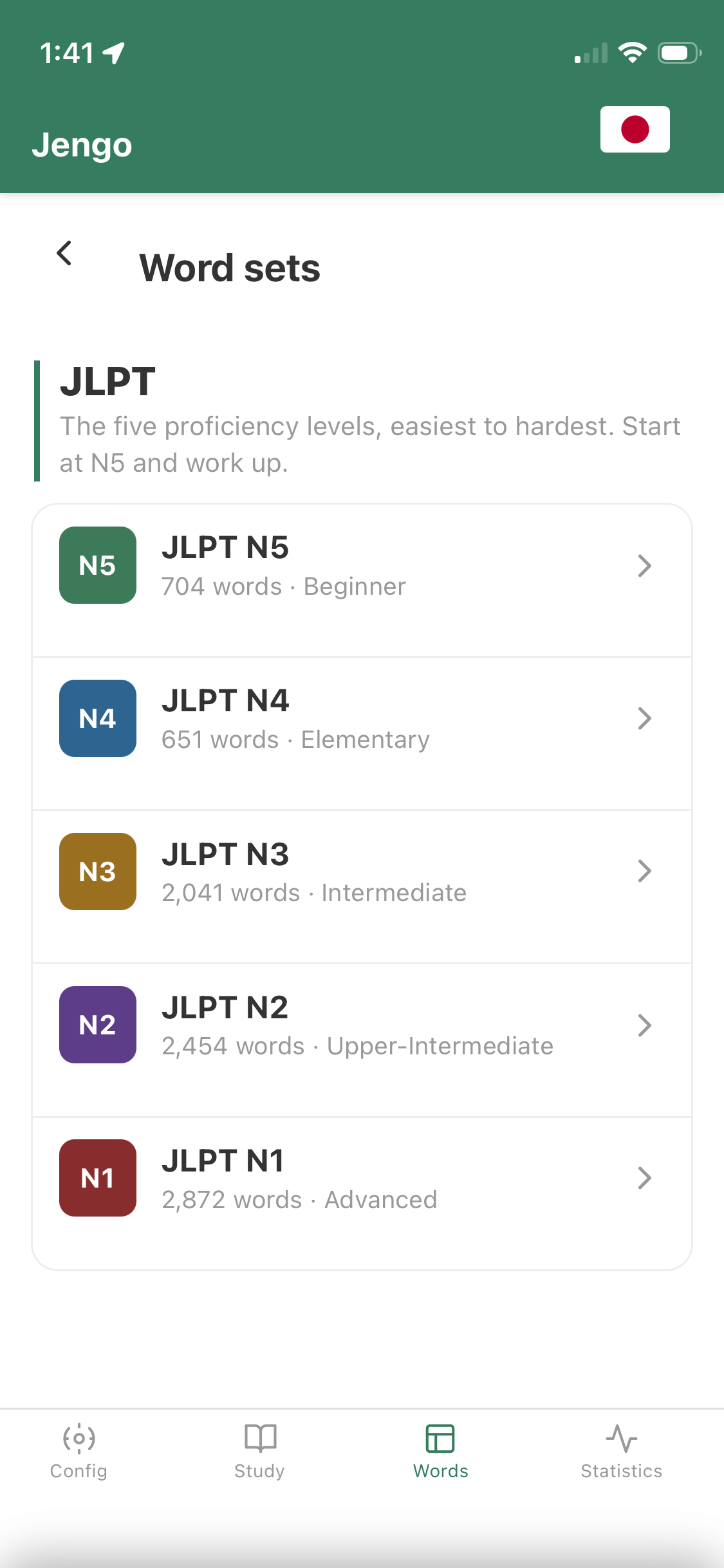
Add wordsAdd words manually by going to the Words tab or by pressing the blue plus in the bottom right. Open the Config menu and go to Words to upload a file, or import a pre-made JLPT deck of words (N5–N1).
2
Configure your settingsGo to Study Config in the settings menu — or press the config button next to the Start button — to set your generation preferences before you start.
3
Press "Study"Jengo generates a Japanese paragraph using your due words. If you have a lot of words, you will need to read and submit multiple times.
4
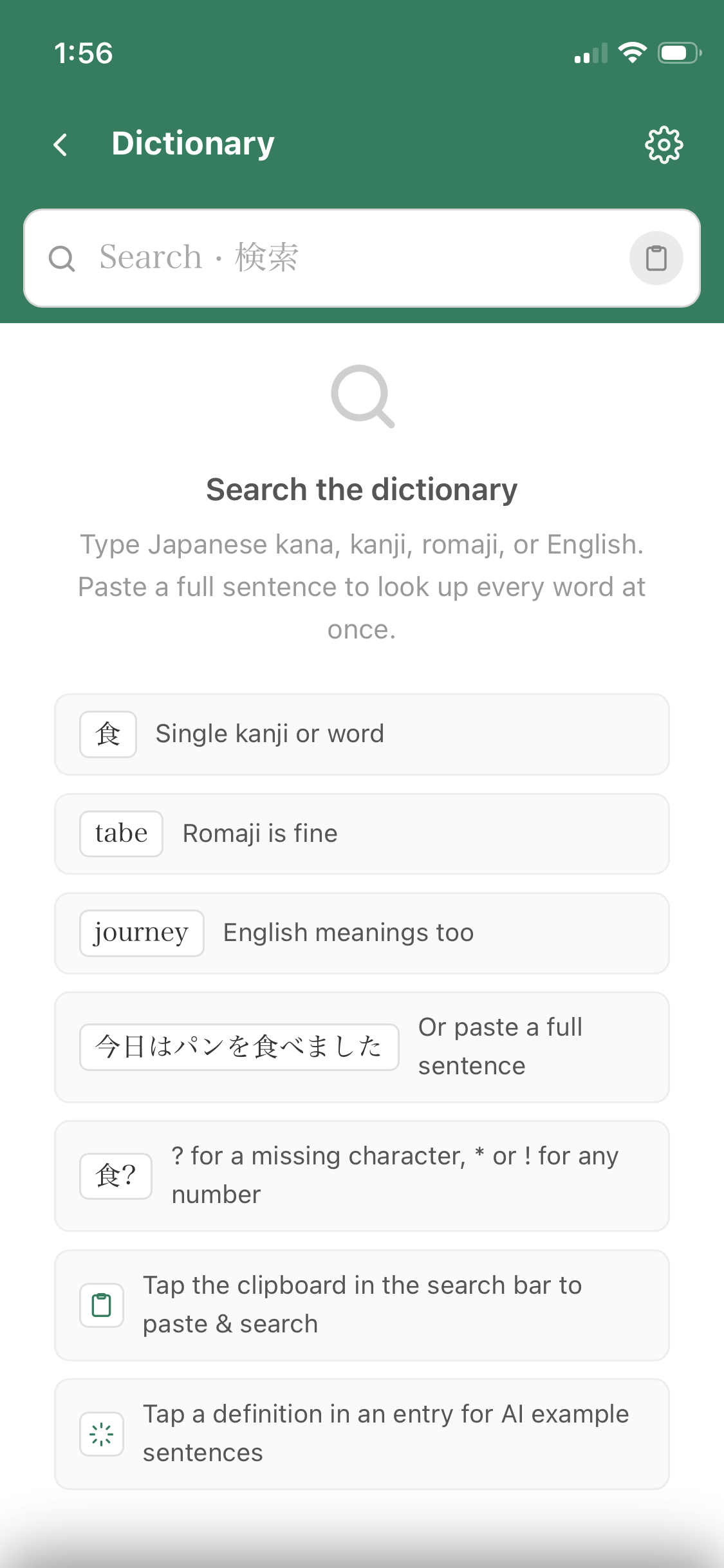
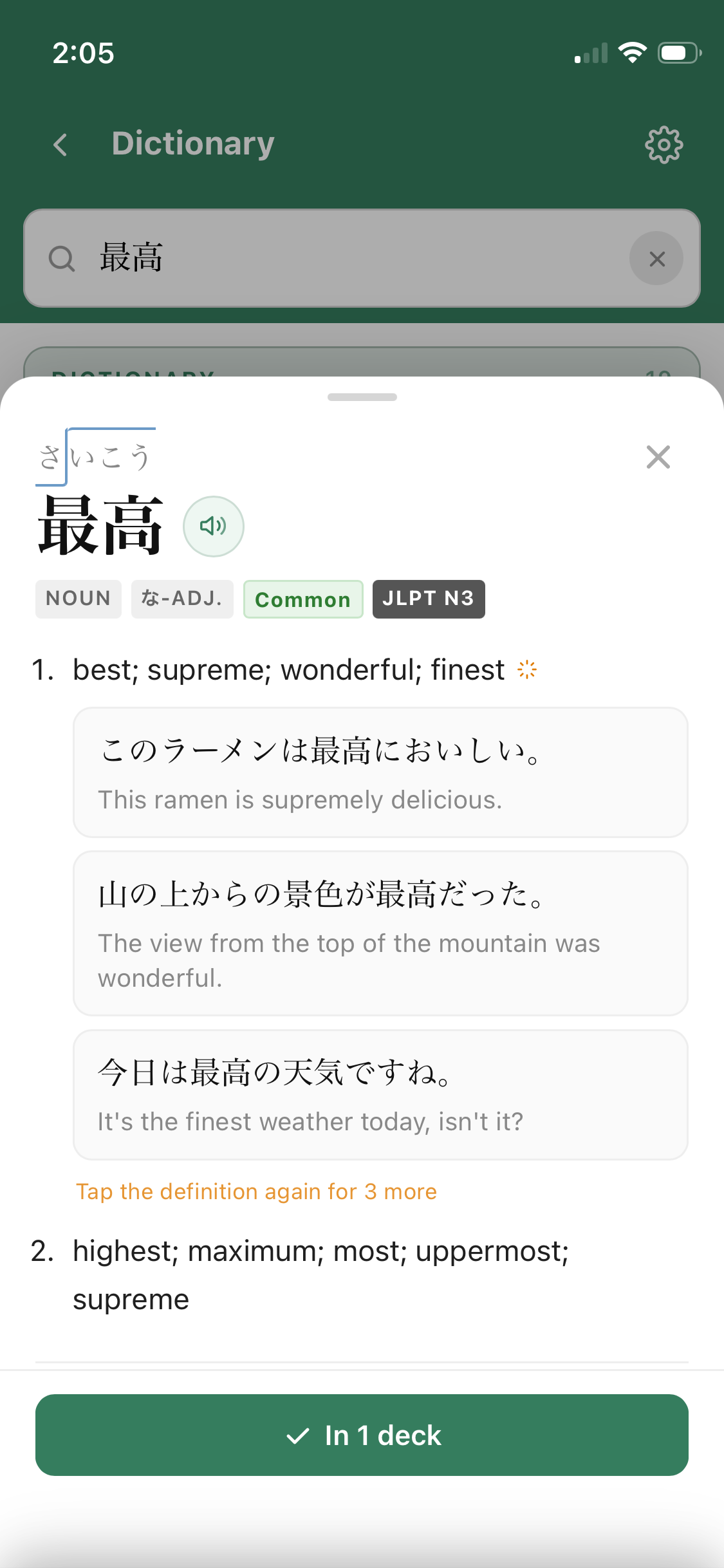
Tap wordsTap words you don't understand to see their reading. On mobile, you can press the orange dictionary in the bottom right to see the definition.
5
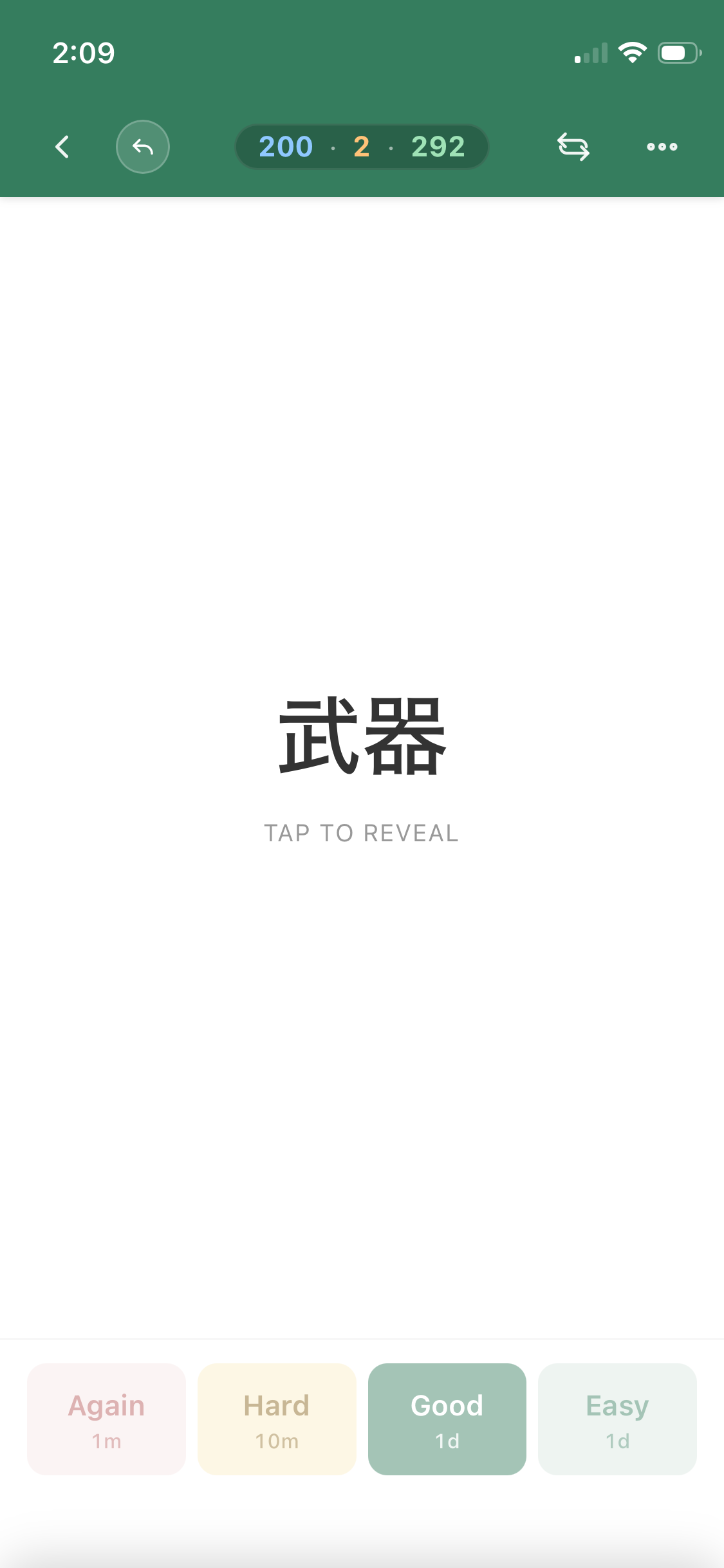
Press "Submit"This submits all highlighted words as unknown. Mark ALL words you don't understand before submitting — more reviews means more accuracy. FSRS schedules each word for the right time based on your feedback. You can see how well the algorithm is performing in the Statistics tab. Repeat until your daily schedule hits 0, then come back tomorrow!

Profile

Name
Email
Role
Timezone ?

Study Configuration

Reading Settings

?
?
?
?

Listening Settings

Words

?

File format guide

.txt — one word per line

食べる
飲む
走る

.csvlemma column required; surface and pos optional. Without a header, first column is used as lemma.

lemma,surface,pos
食べる,食べ,動詞

.json — array of strings or objects with a lemma key

["食べる", "飲む"]
// or
[{"lemma": "食べる", "surface": "食べ", "pos": "動詞"}]

All files must be UTF-8 encoded. Only lemma is required.

Manage your word database in the Words tab.

FSRS Algorithm

Runs coordinate-descent optimization on your review history to improve scheduling accuracy.

Last tuned: –

Review Log

IDLemmaTimestampRating
New
Today
Learning
Tomorrow

Study

Generate and read paragraphs built from your due words.

Listen

Listen to paragraphs from today

Word Database

Word Surface POS Weight Next Review

FSRS Performance

Word Overview